Support
How can we help?
Gym Log grew a lot this update — here are the questions people ask most about the new features. If yours isn't here, email us and we'll reply within a couple of business days.
Do I need an account to use Gym Log?
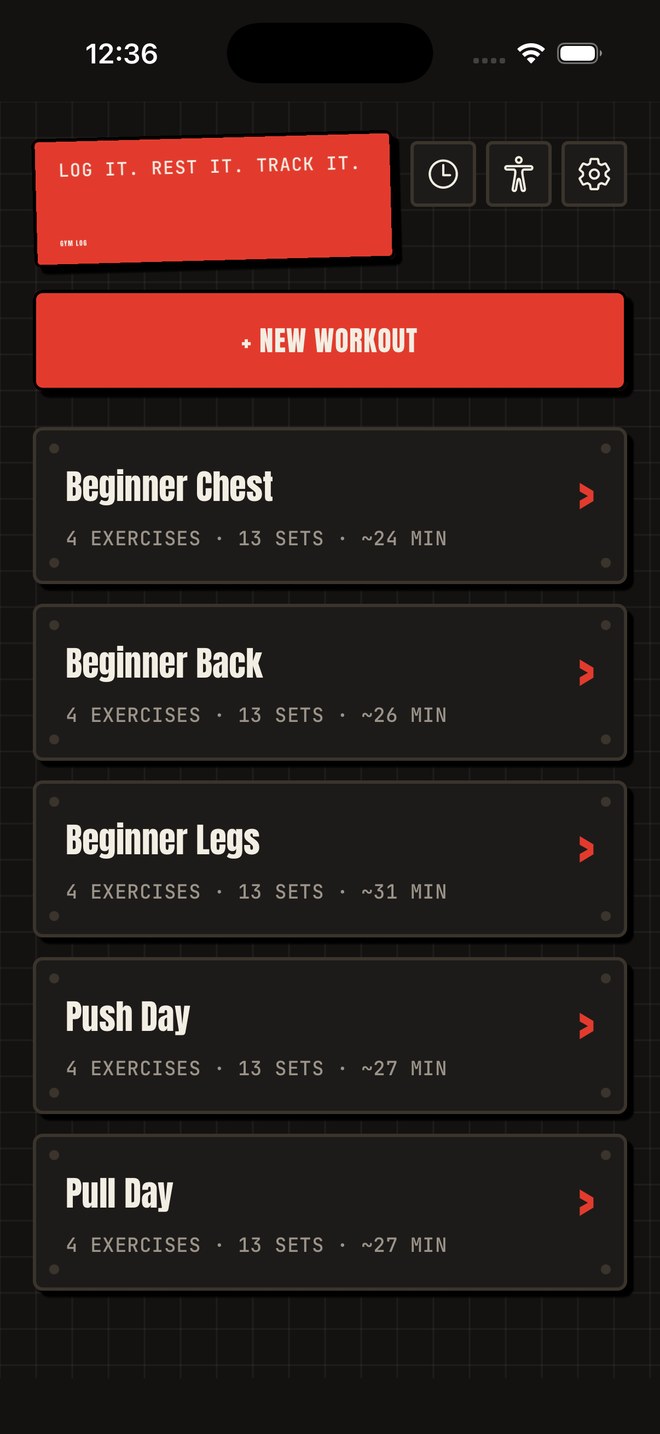
No. There's no sign-up, no login, and no profile. Open the app and start a workout — your data is stored on your device.
What is RPE and do I have to use it?
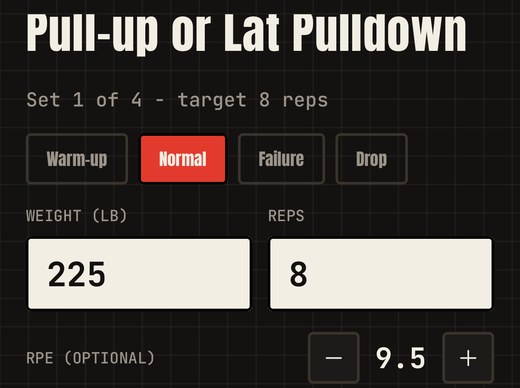
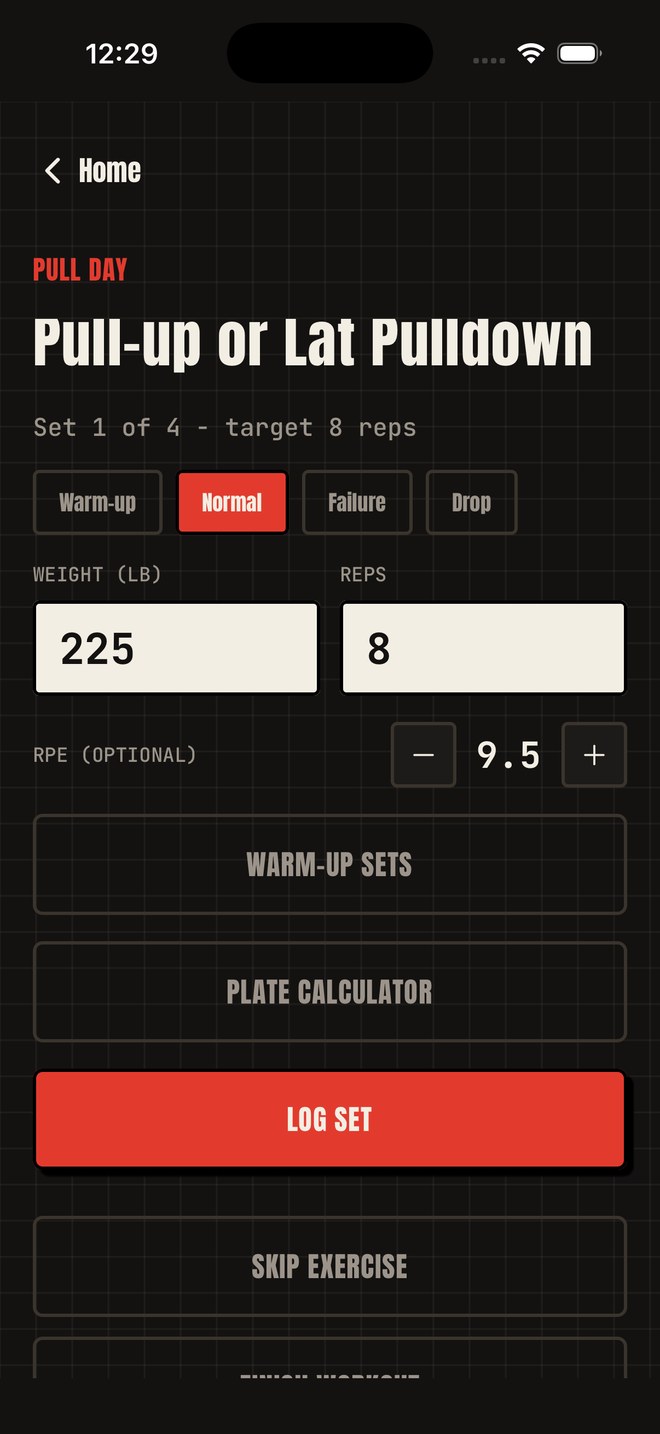
RPE (Rate of Perceived Exertion) is an optional 1–10 scale you can log per set to track how hard it felt. It's entirely optional — skip it and Gym Log works exactly the same.
How does the 1RM estimate work?
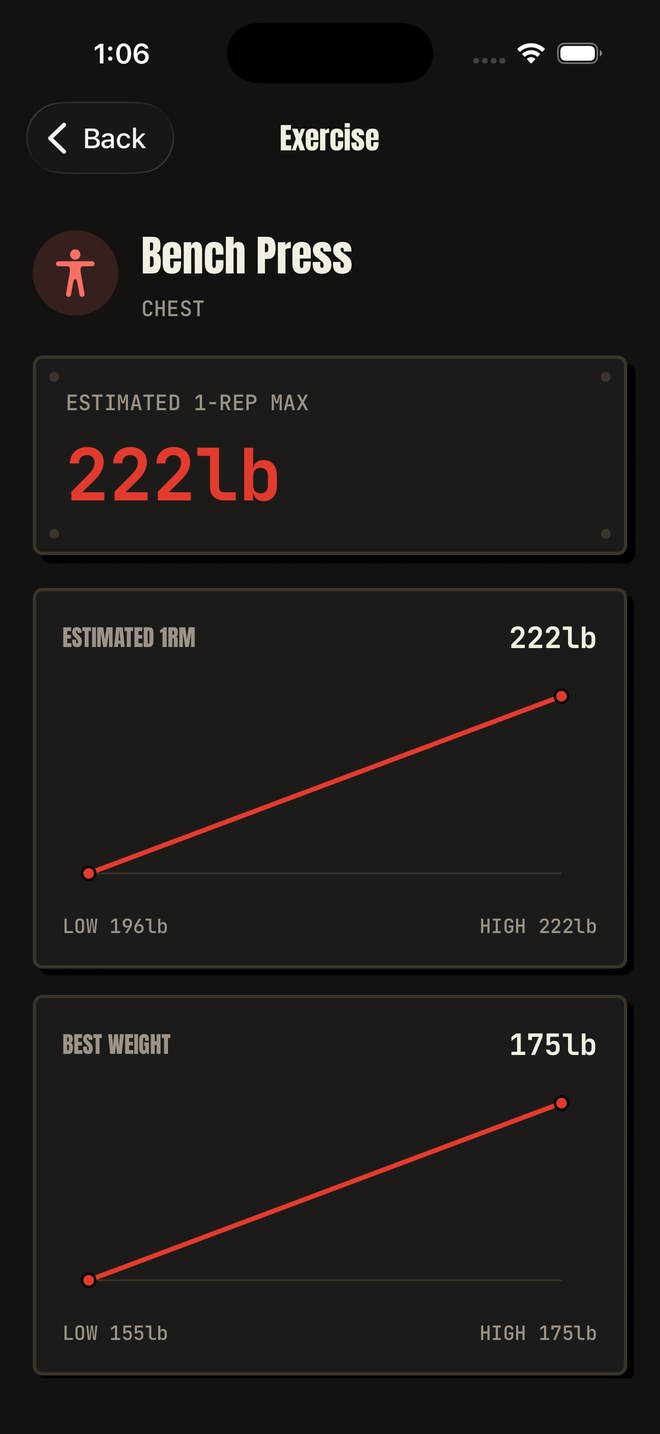
Gym Log estimates your 1-rep-max from the weight and reps you log for each exercise, then charts it over time so you can see your trend — not just a single number.
Do I need to connect Apple Health or Apple Watch?
No — both are entirely optional. Apple Health sync and the Apple Watch companion app only activate if you turn them on, and each asks for permission before doing anything.
Who can see my shared workout cards?
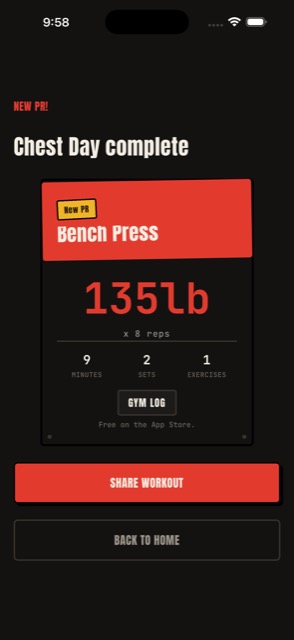
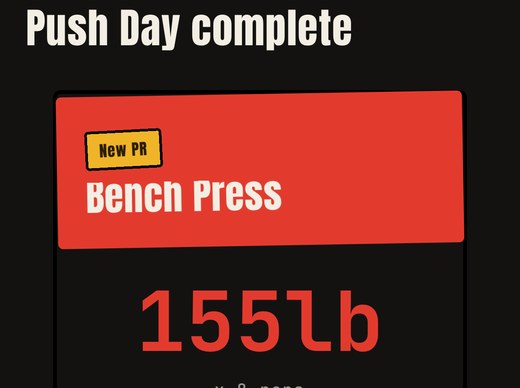
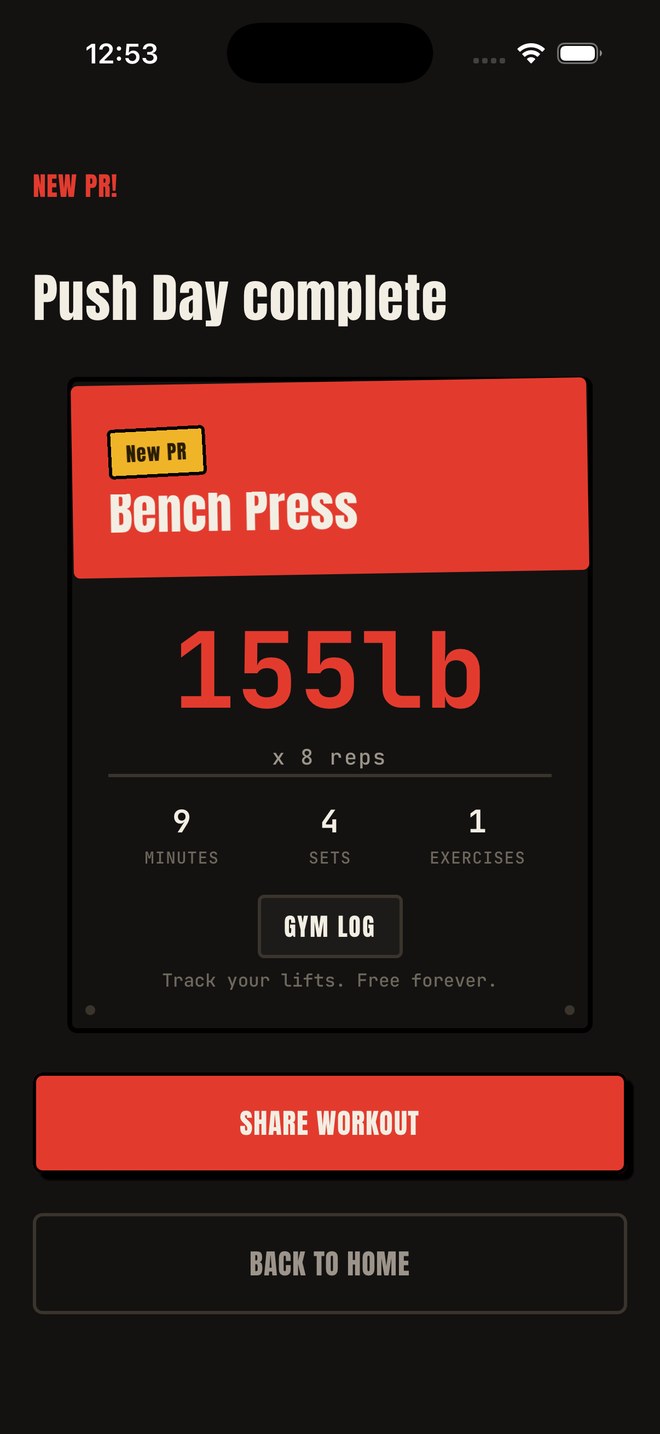
Only the people you choose to send them to. Tapping "Share" opens Apple's native share sheet with an image Gym Log generates on your device — nothing is posted or uploaded automatically.
My rest timer notifications aren't showing up.
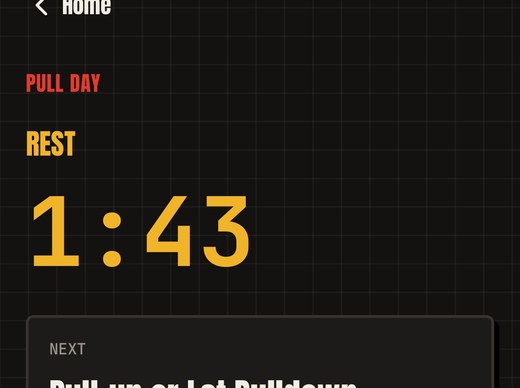
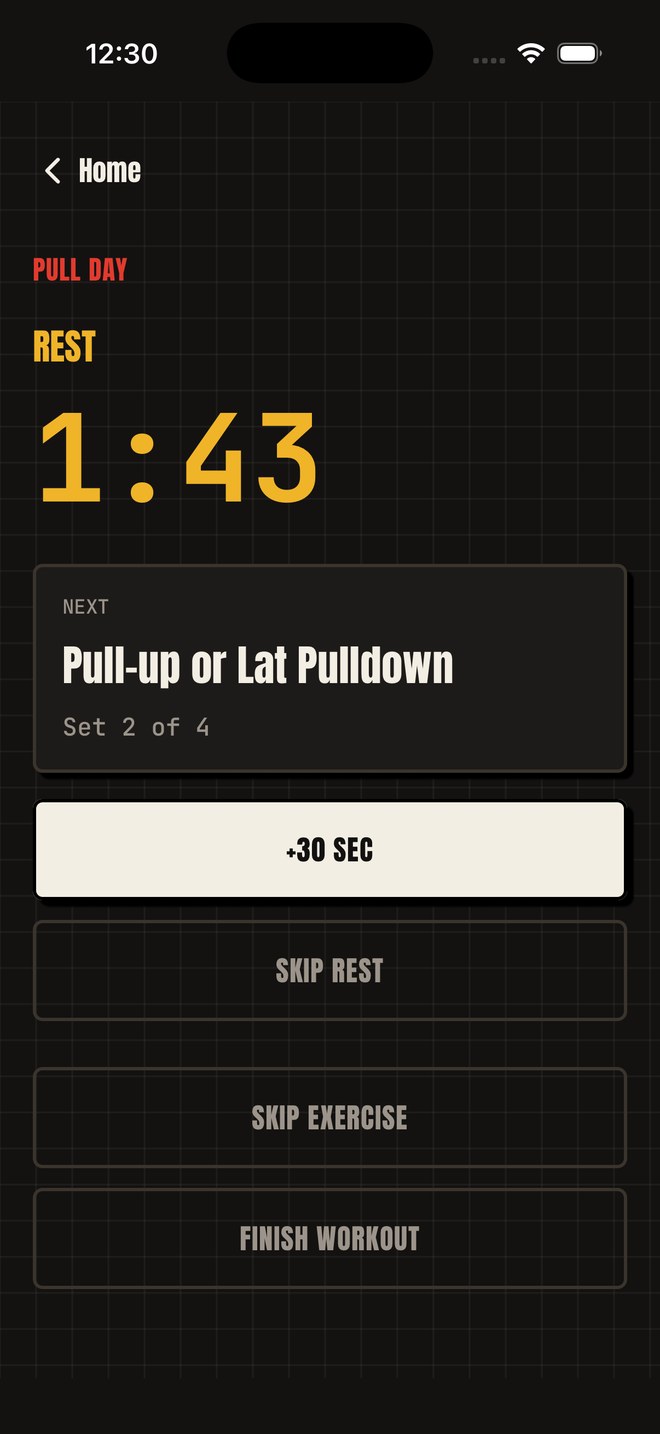
Check iOS Settings → Notifications → Gym Log to make sure alerts are allowed. Rest reminders are scheduled locally on your device.
Privacy Policy
Your privacy, plainly explained
Last updated: August 25, 2026. This policy applies to the Gym Log (formerly Beginner Gym Timer) iOS application published by Mark Utility Labs.
🔒
Short version: Your workouts, body log, and photos stay on your device — we never see them, and no account is needed to keep them. What does leave the app is anonymous and technical: crash reports so we can fix bugs, and a count of how the unlock screen is used. No ads, no advertising IDs, no data sale, ever.
1. Overview
Gym Log keeps your training data on your device and needs no account to work. A small amount of anonymous technical data does leave the app, and the sections below say exactly what it is, who receives it, and why. Mark Utility Labs does not sell, rent, or share your personal data with anyone.
2. Data stored on your device
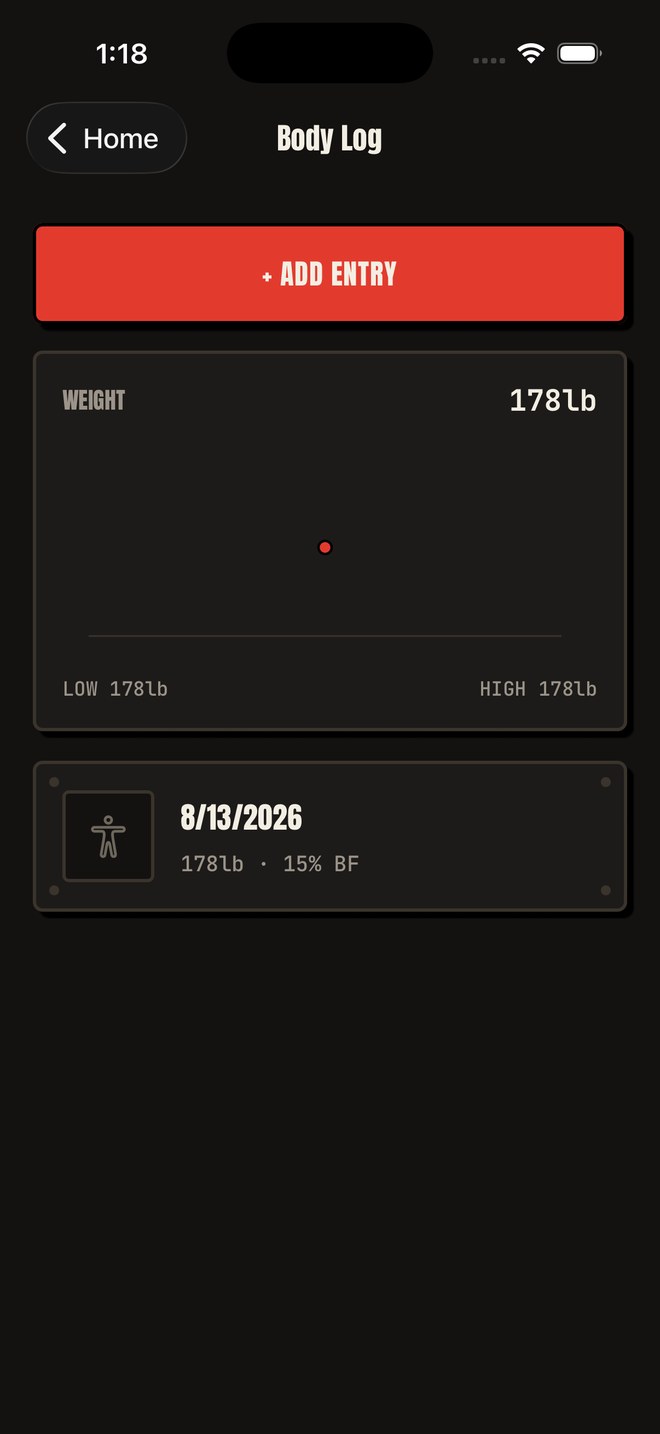
Your workouts, logged sets, personal records, body measurements, and progress photos are stored locally on your device. This data is used only to run the app — for example, to chart your 1RM trend or remember your active session — and is never uploaded to Mark Utility Labs. Uninstalling the app removes this data.
3. Crash reports (Firebase Crashlytics)
Gym Log uses Firebase Crashlytics, a service run by Google, to report crashes automatically so we can find and fix bugs. When the app crashes, a report goes to Google containing the device model, the iOS and app version, the technical details of the crash, and a random identifier Firebase generates for your installation of the app. That identifier is not your name, your email, or your Apple ID; delete and reinstall the app and it changes. Crash reports never include your workouts, body log, or photos, and are never used for advertising.
4. Anonymous usage counts (Firebase Analytics)
Gym Log uses Firebase Analytics, also from Google, to count a short list of events around the unlock screen: that it was shown (and which of its two asks it was), that the free week offered there was taken, which layout was shown, that an unlock completed, and which app an unlock credit was applied to. It also counts that the one-time offer sheet (the one that shows the other apps) was shown and what was tapped on it, and that the app asked whether you were enjoying it, with which of the two buttons you chose. These events carry no personal content — no workouts, no measurements, no photos, no name, no contact details. Gym Log never attaches your identity to them; Firebase records them against the same kind of per-install identifier described above. They exist so we can tell whether the unlock screen is working, and for nothing else.
5. Unlocking Gym Log
Apple handles the transaction itself. Mark Utility Labs never sees or stores your card details, billing address, or Apple ID password.
Your unlock is kept on your device, in the iOS Keychain. If you unlock the whole collection of Mark Utility Labs apps at once, that record is also kept in your own iCloud, using Apple's CloudKit, so it follows your Apple Account to a new device. It is stored in your private iCloud database, not somewhere we can browse. Gym Log does not ask you to sign in to anything, and nothing about your purchase is sent to Google.
Gym Log also fetches the unlock screen's configuration from Firebase Remote Config. That is a download to your device, not an upload of anything about you.
6. Optional permissions
Gym Log only asks for the following, and each is entirely optional:
- Notifications — for rest-timer alerts, scheduled locally on your device.
- Photo Library — only if you choose to attach a progress photo to a body log entry.
- Apple Health — only if you turn on Health sync, to read/write completed workouts.
- Apple Watch companion — only if you install and use the Watch app, to relay your active workout and rest timer to your wrist.
Declining any of these does not limit the rest of the app.
7. What is NOT collected
- No advertising SDKs and no advertising identifiers (IDFA).
- No tracking of you across other companies' apps or websites, and nothing shared with data brokers.
- No name and no email address — Gym Log never asks Apple for either, even when you sign in.
- No account, login, or profile is needed to use the app, and your training data is never tied to one.
- No sale of personal data, ever.
8. Who processes your data
Google (Firebase) receives crash reports and the anonymous usage counts. Apple handles the transaction, and keeps the all-apps unlock record in your own private iCloud database. There are no other recipients.
9. Children's privacy
Gym Log is a general-purpose fitness utility and is not directed at children under 13. The app does not knowingly collect personal information from children.
10. Changes to this policy
If material changes are made, the "Last updated" date above will change. Continued use of the app after an update constitutes acceptance of the updated policy.
11. Contact us
Mark Utility Labs
Email: mark@vibecode.review
Terms of Use
The short, plain-English terms
Last updated: August 15, 2026. These terms cover the Gym Log iOS application published by Mark Utility Labs.
✅
Short version: Gym Log runs on your device, needs no account, and shows you no ads. Use it however you like.
1. Using the app
Gym Log is published by Mark Utility Labs for your personal use. It needs no account and no sign-up, it shows no advertisements, and your training data stays on your device.
2. Purchases
Some features are unlocked by an in-app purchase. Any purchase is a one-time, non-consumable unlock — there is no subscription, nothing renews, and you are not charged again for what you have already unlocked. Purchases are processed by Apple through the App Store rather than by Mark Utility Labs, and refunds are handled by Apple under its standard App Store refund process at reportaproblem.apple.com.
3. Use your own judgment
Gym Log — including its RPE, 1RM, warm-up, and plate-calculator estimates — is provided as a training aid, not medical or professional advice. Software can contain mistakes; for anything critical, use your own judgment. Mark Utility Labs is not liable for losses arising from use of the app.
4. No warranty
The app is provided "as is" and "as available", without warranties of any kind, express or implied, including fitness for a particular purpose.
5. Acceptable use
Please don't reverse engineer, resell, or pass the app off as your own. That's the whole list.
6. Changes to these terms
If these terms change, we'll update the "Last updated" date above. Continued use after a change means you accept the updated terms.
7. Contact us
Mark Utility Labs
Email: mark@vibecode.review